
Getting started
Sign in
Section titled “Sign in”Open your instance URL and enter the email address and password supplied by the administrator. An authenticated session is redirected to the start screen selected in your preferences.
Create a map
Section titled “Create a map”From the dashboard, choose New map, name it, and select its country. CartaVault uses the country for the initial viewport, consistency warnings, and the outside-country mask.
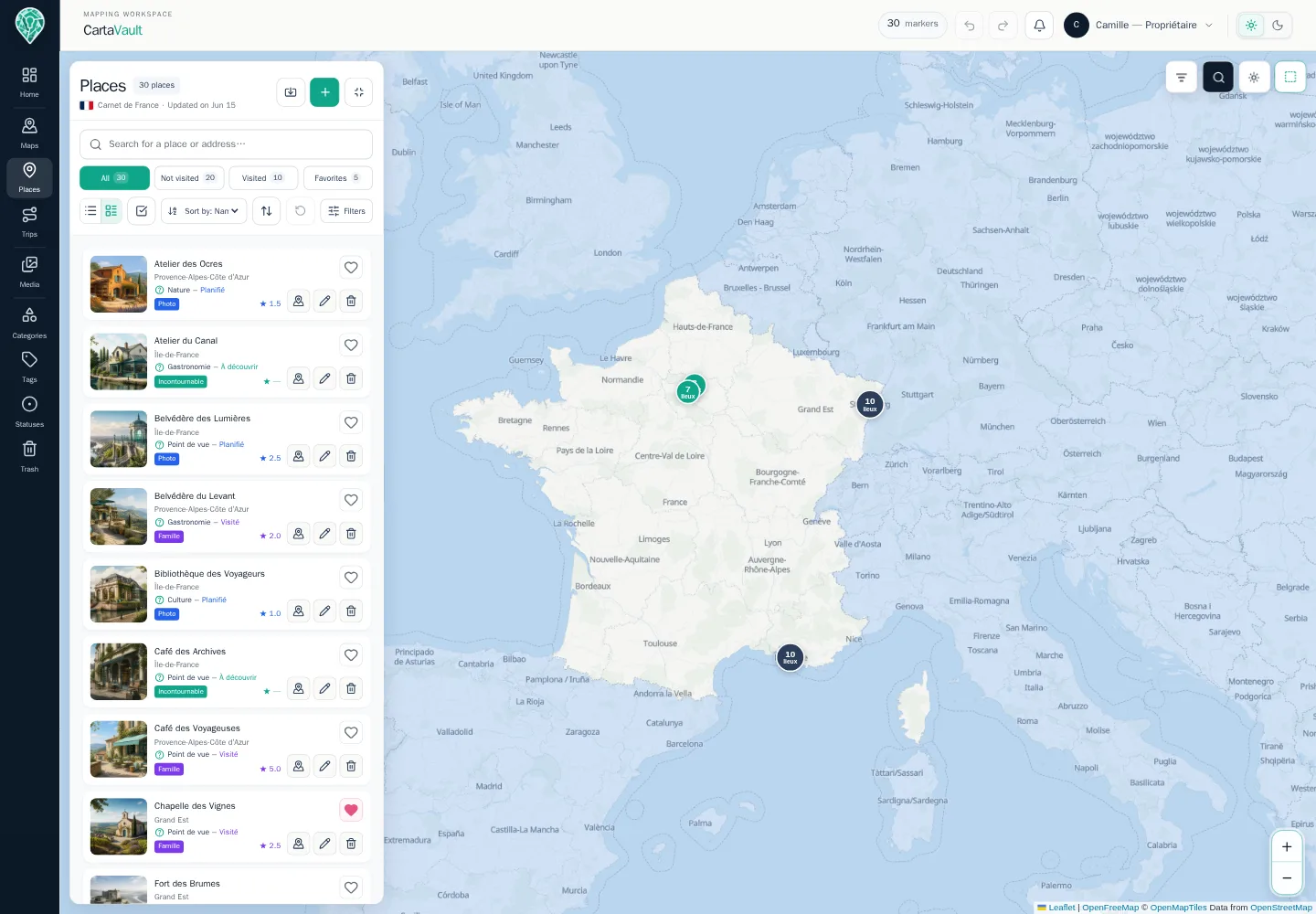
Set up the interface
Section titled “Set up the interface”Open ProfilePreferences to choose the language, theme, display density, time zone, and start screen.
Next step
Section titled “Next step”Continue with managing places or planning a trip.