
Administration and deployment
Standard architecture
Section titled “Standard architecture”Single-instance mode consists of one CartaVault application image and PostgreSQL/PostGIS. Redis and the worker are optional extensions for asynchronous work or higher load.
Installation
Section titled “Installation”- Copy the repository environment template.
- Generate persistent secrets with
python -m app.setup_cli generate-secrets. - Start the Docker Compose or Portainer stack.
- Let the migration job complete before the application starts.
- Open the setup wizard and create the first administrator.
Never regenerate CARTAVAULT_CREDENTIALS_ENCRYPTION_KEY during an update: stored API keys would become unreadable.
Update
Section titled “Update”Back up volumes first, select the target image version, then recreate the stack. The version-matched migration container applies Alembic migrations before the application starts.
Minimum backup set
Section titled “Minimum backup set”Back up together:
- the PostgreSQL database with
pg_dump; - the photo volume;
- the avatar volume;
- the environment file and encryption key.
Regularly test restoration on an isolated instance.
Security
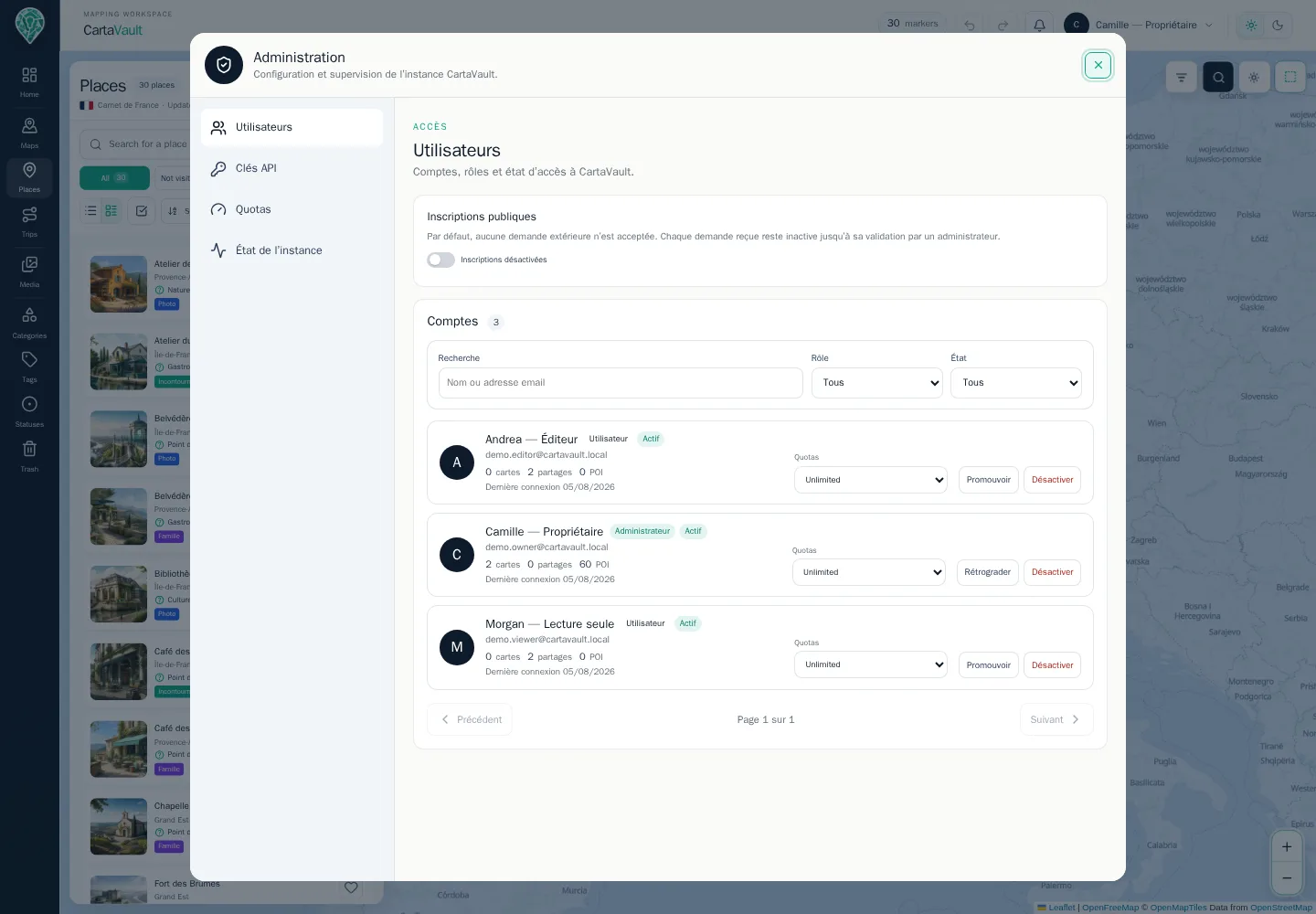
Section titled “Security”Use HTTPS, enable secure cookies, restrict CORS origins, and protect Portainer access. Instance diagnostics and user management remain administrator-only.
See the environment reference and command reference.